
Recipes from your own kitchen
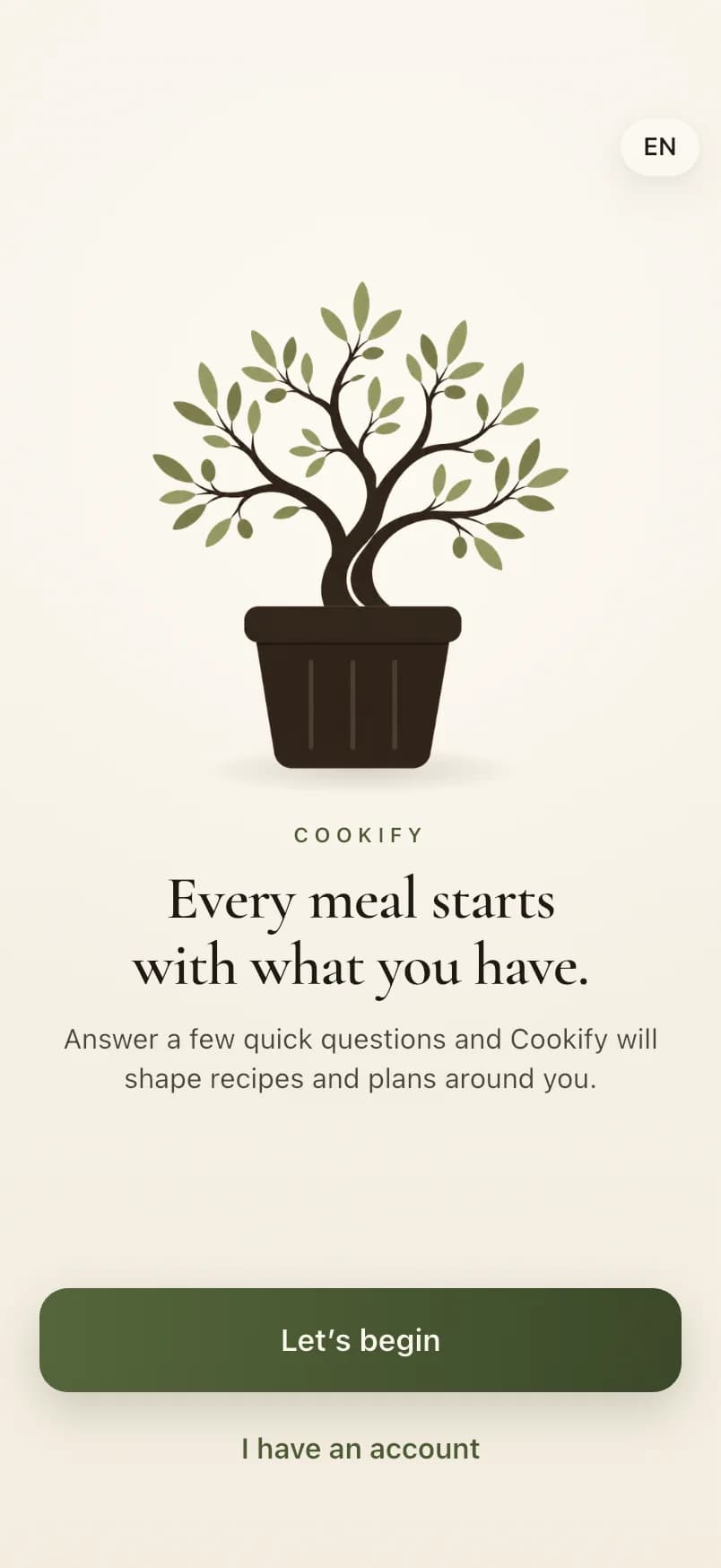
Every meal starts with what you have.
Point your camera at the fridge. Cookify reads the ingredients, finds recipes that fit your diet, allergies and taste, and turns the week into a plan and a shopping list.
Coming soon on the App Store
Coming soon on Google Play
Cookify isn't in the stores yet. The store badges will appear here once it is.

How it works
From the fridge to dinner in three steps
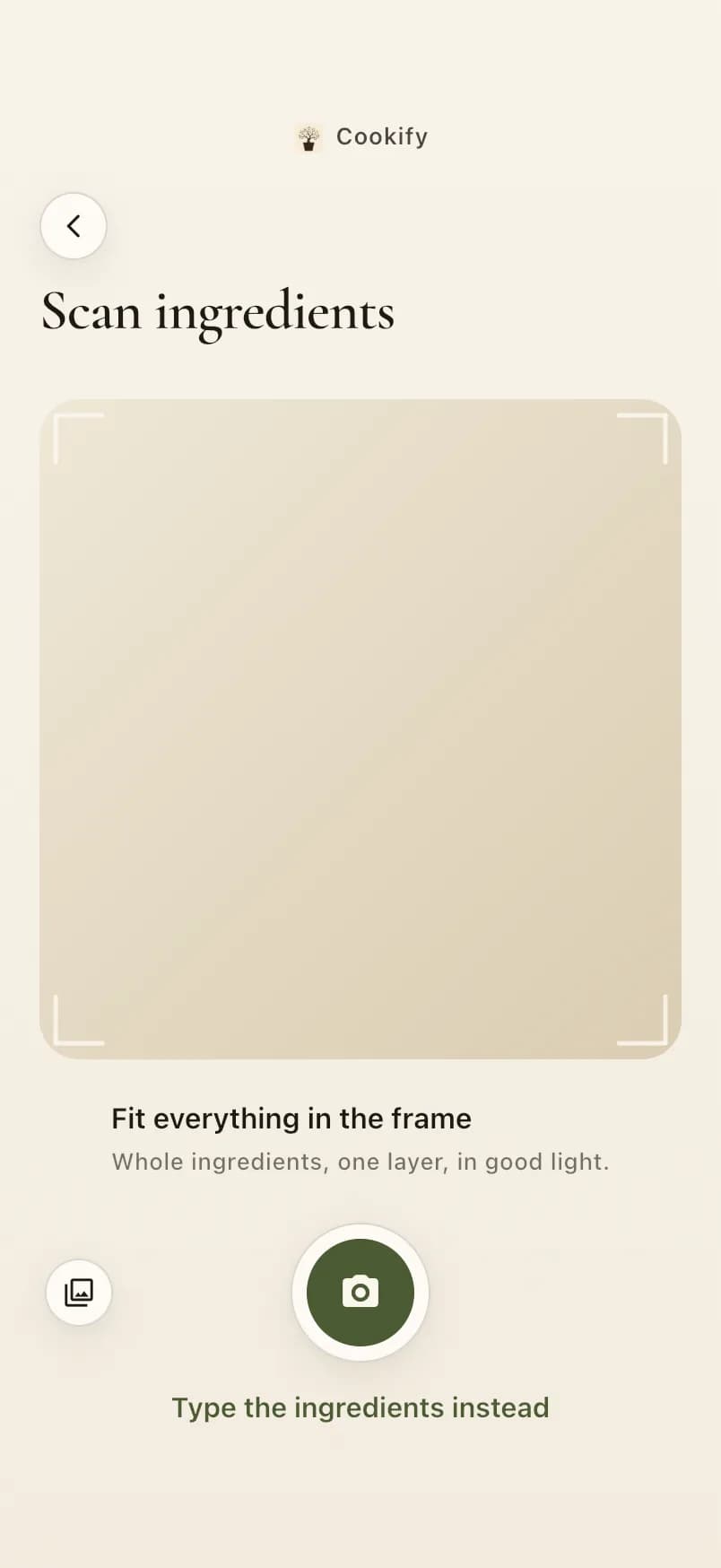
Scan what you have
Take a photo of your fridge, pantry or counter: whole ingredients, one layer, in good light. Or type them in instead.
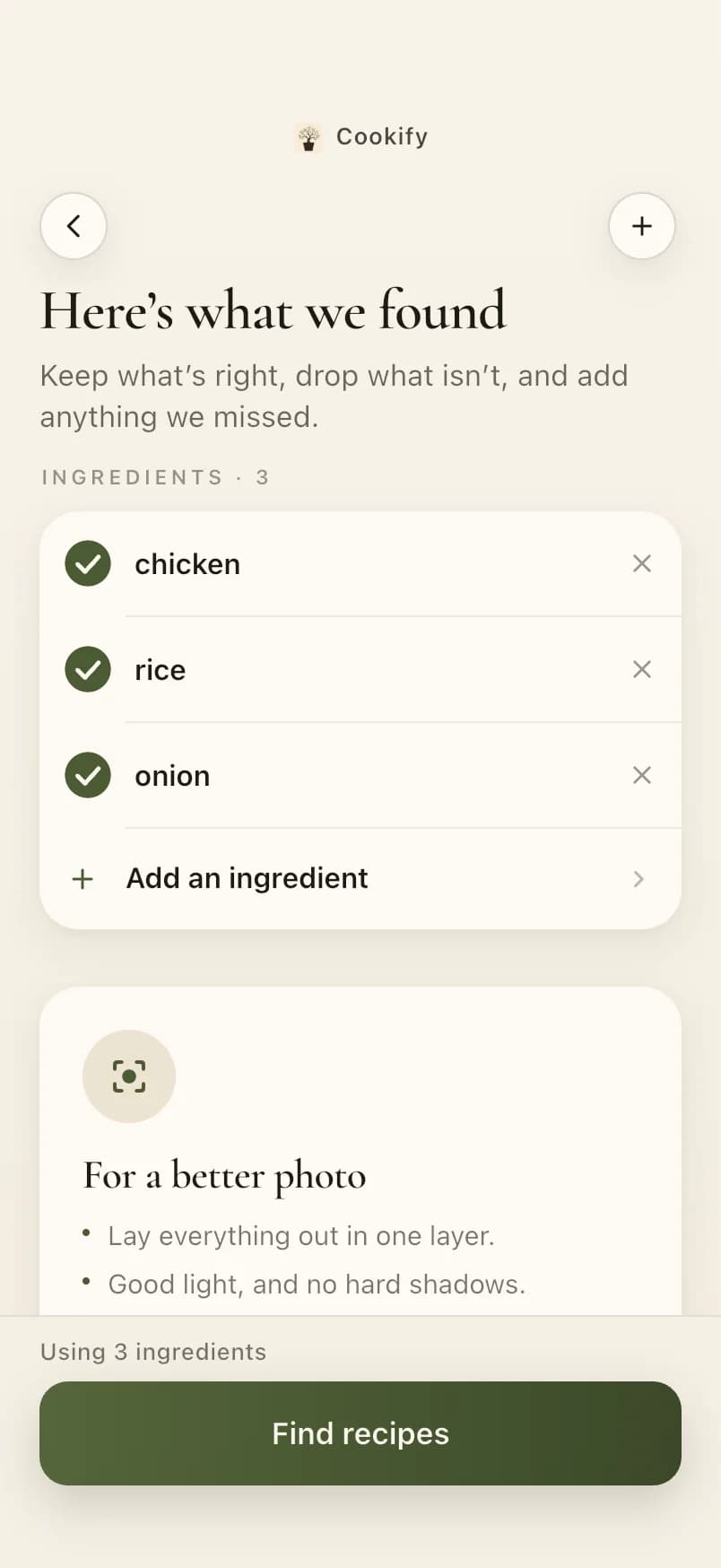
Check what it found
Cookify lists the ingredients it can see. Keep what's right, drop what isn't and add anything it missed, then find recipes.
Get recipes that fit
Recipes are ranked by how much of each you already have and filtered by your diet, allergies and the foods you don't like. What's missing goes onto your shopping list in one tap.
Features
Everything between “what's in the fridge?” and “dinner's ready”
Ingredient scanning
A photo is enough. You stay in charge of the list before anything is searched.
Recipes chosen for you
Your cooking time, favourite cuisines, skill and taste for spice decide what comes first.
A large recipe catalogue
More than 14,000 recipes, each in English and Bulgarian, with times, servings and nutrition.
AI recipes when you need one
Nothing fits? Cookify can write a recipe from your ingredients — checked against your allergies before you see it.
Weekly planning
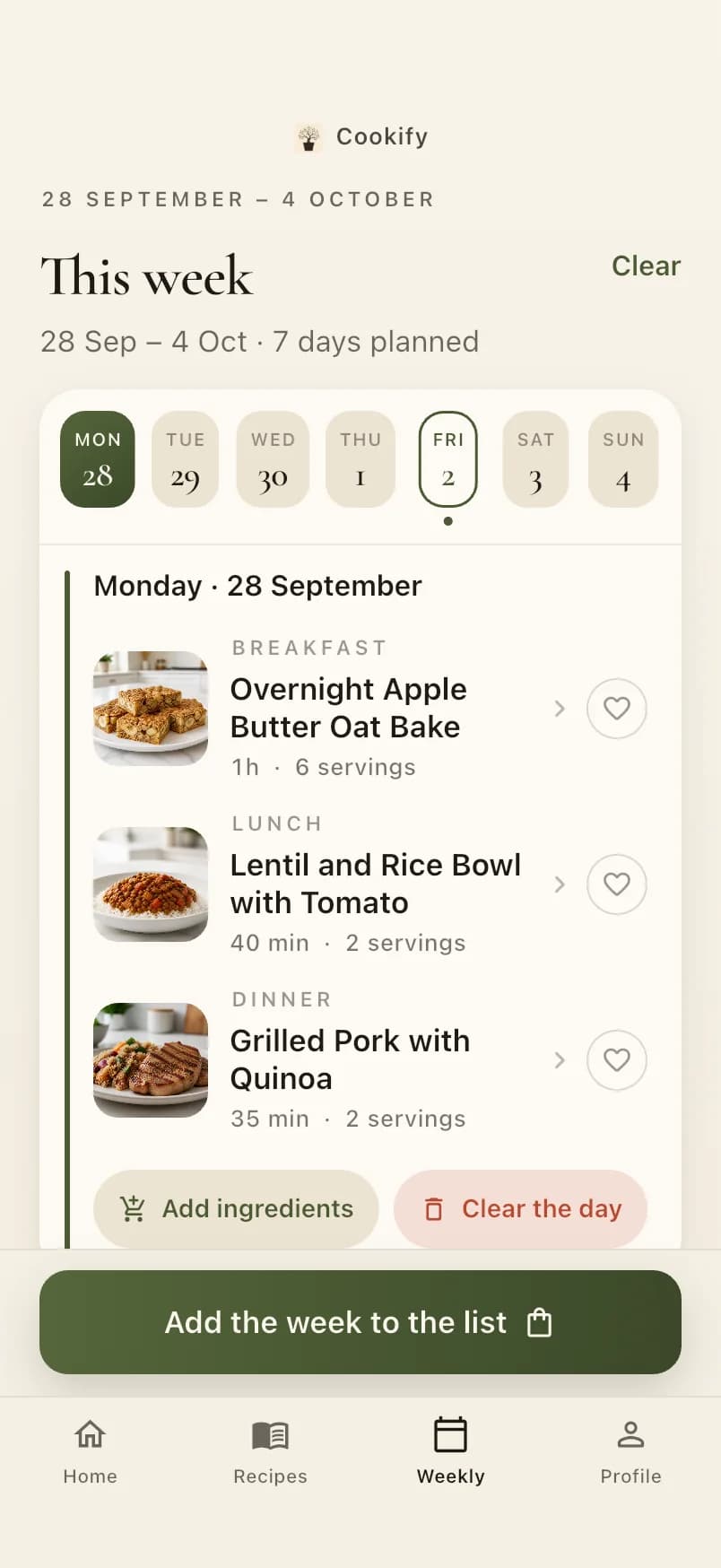
A whole week of breakfasts, lunches and dinners in one tap, and easy to change meal by meal.
Shopping lists
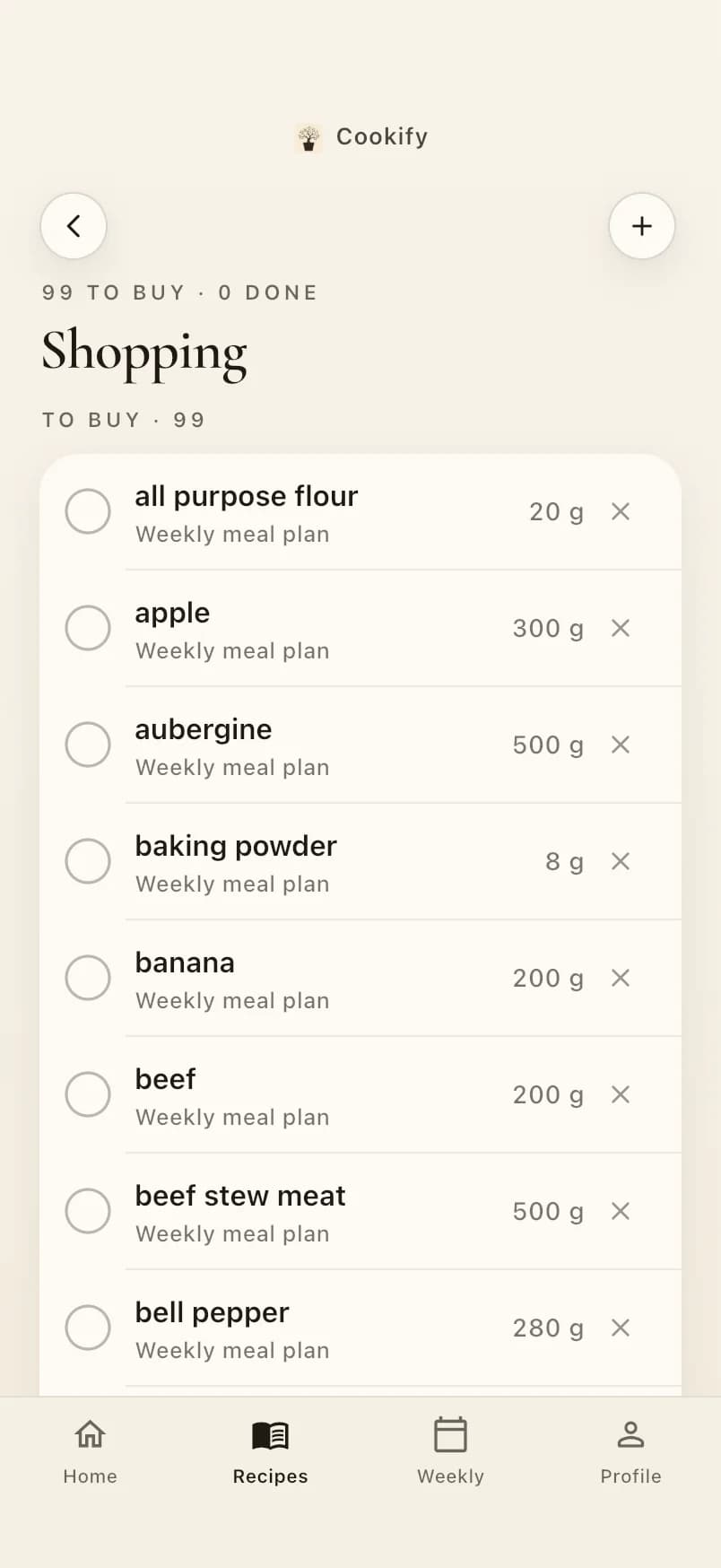
Missing ingredients from a recipe or the whole week, merged and added up, ticked off in the shop.
Dietary preferences
Vegetarian or vegan, no dairy, no gluten — set once, applied to every suggestion.
Allergies and disliked foods
The 14 EU allergen groups, individual nuts and the foods you'd rather avoid — left out of every suggestion.
English and Bulgarian
The whole app — recipes, ingredients and lists — in either language, switchable any time.
Why Cookify
Less deciding, less wasting, more cooking
Save time
Skip the scrolling. Start from what you have and get to a recipe in a minute.
Plan without effort
A balanced week appears in one tap, and the shopping list writes itself.
Waste less food
Recipes that use up what's already in your kitchen come first.
Made around you
Your diet, your allergies, your time and your taste — remembered, not re-entered.
Inside the app
A closer look
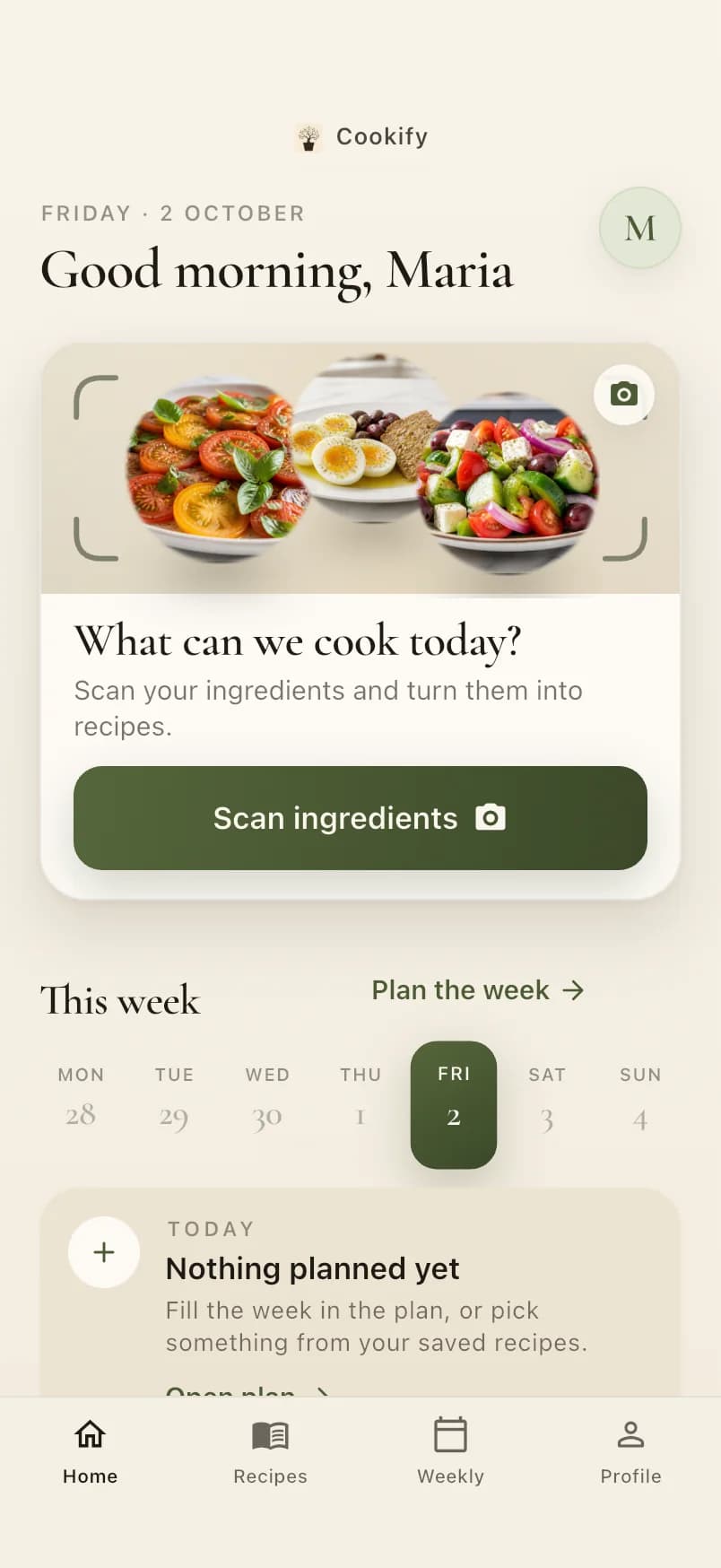
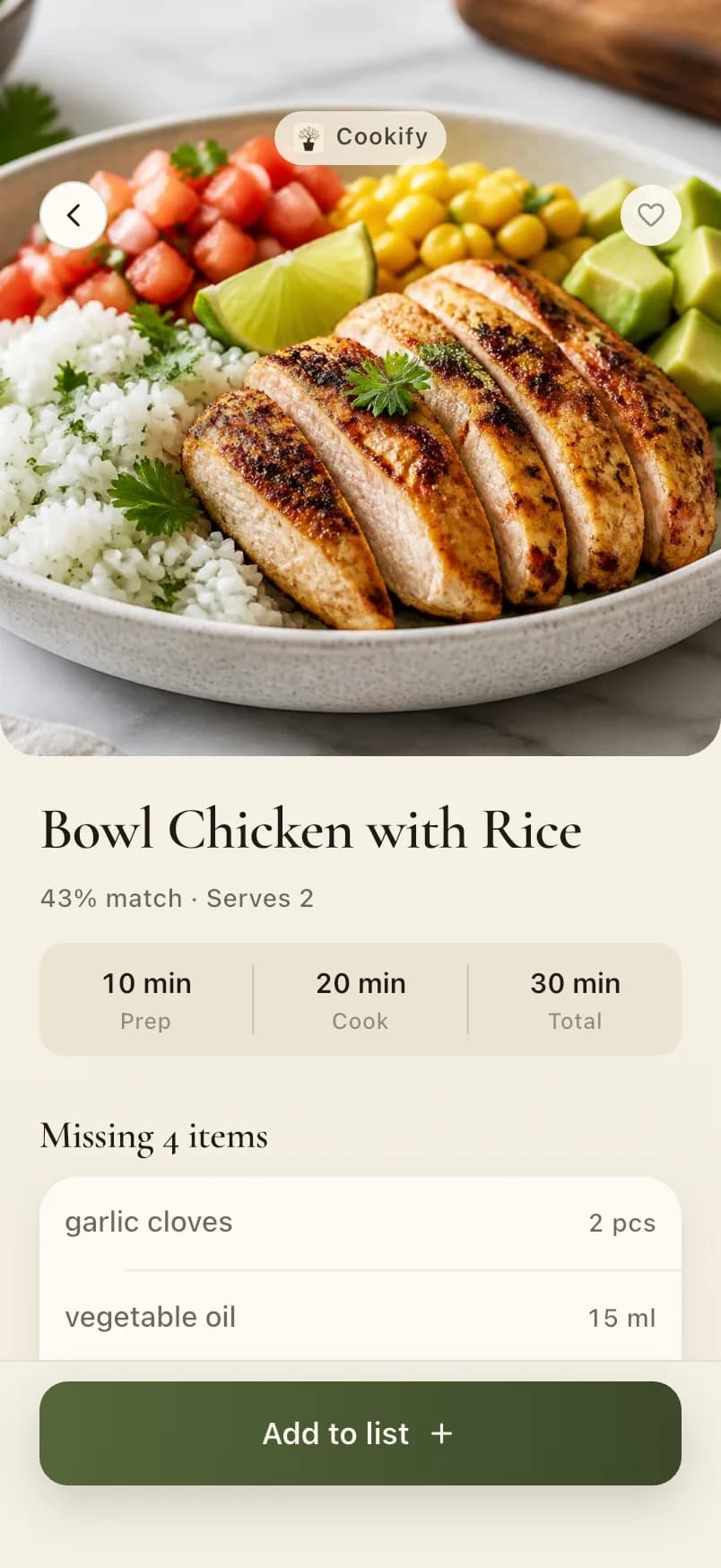
Screens from the current version of the Cookify app.
FAQ
Questions, answered
How does scanning work?
Take a photo of your fridge, pantry or counter. The photo goes securely to Cookify and its AI provider only to detect the visible ingredients, then you check the list before searching. Cookify's server does not save the photo.
How accurate are the recipes?
Catalogue recipes are written and checked in both languages, with times, servings and nutrition estimates. AI recipes are generated on request and checked against your preferences and allergies before they are shown. Nutrition values are estimates.
How does Cookify personalise recipes?
During a short onboarding you tell it what you like to cook, how much time you have, your diet, allergies and foods you'd rather avoid. You can change any of it later in Profile.
Can I rely on it for allergies?
Cookify leaves out recipes using the ingredients they list, and checks AI recipes before showing them. It cannot know what is in a specific product or kitchen. With a serious allergy, always check labels and the risk of cross-contamination.
Is there a subscription or a free trial?
Cookify is a subscription app. The plans, prices and any free trial are shown in the app before you subscribe, and the purchase is made and confirmed through the App Store or Google Play.
How do I cancel?
Subscriptions are managed by Apple or Google: cancel from your Apple ID or Google Play subscriptions at any time. You keep access until the end of the period you paid for.
Which phones does it run on?
iPhone and Android phones. Cookify isn't in the stores yet; the download buttons on this page will work once it is.
What about my privacy and my data?
Cookify collects what it needs to run your account and recipes and, only if you allow it, usage statistics without your name or e-mail address, never used for advertising. You can delete your account and its data at any time in the app (Profile → Settings → Delete account) or on this website, after signing in (Your account → Delete your account).
Cook with what you already have.
Coming soon on the App Store
Coming soon on Google Play
Cookify isn't in the stores yet. The store badges will appear here once it is.